Design Trends Shaping Futuristic Consumer Gadgets in 2026
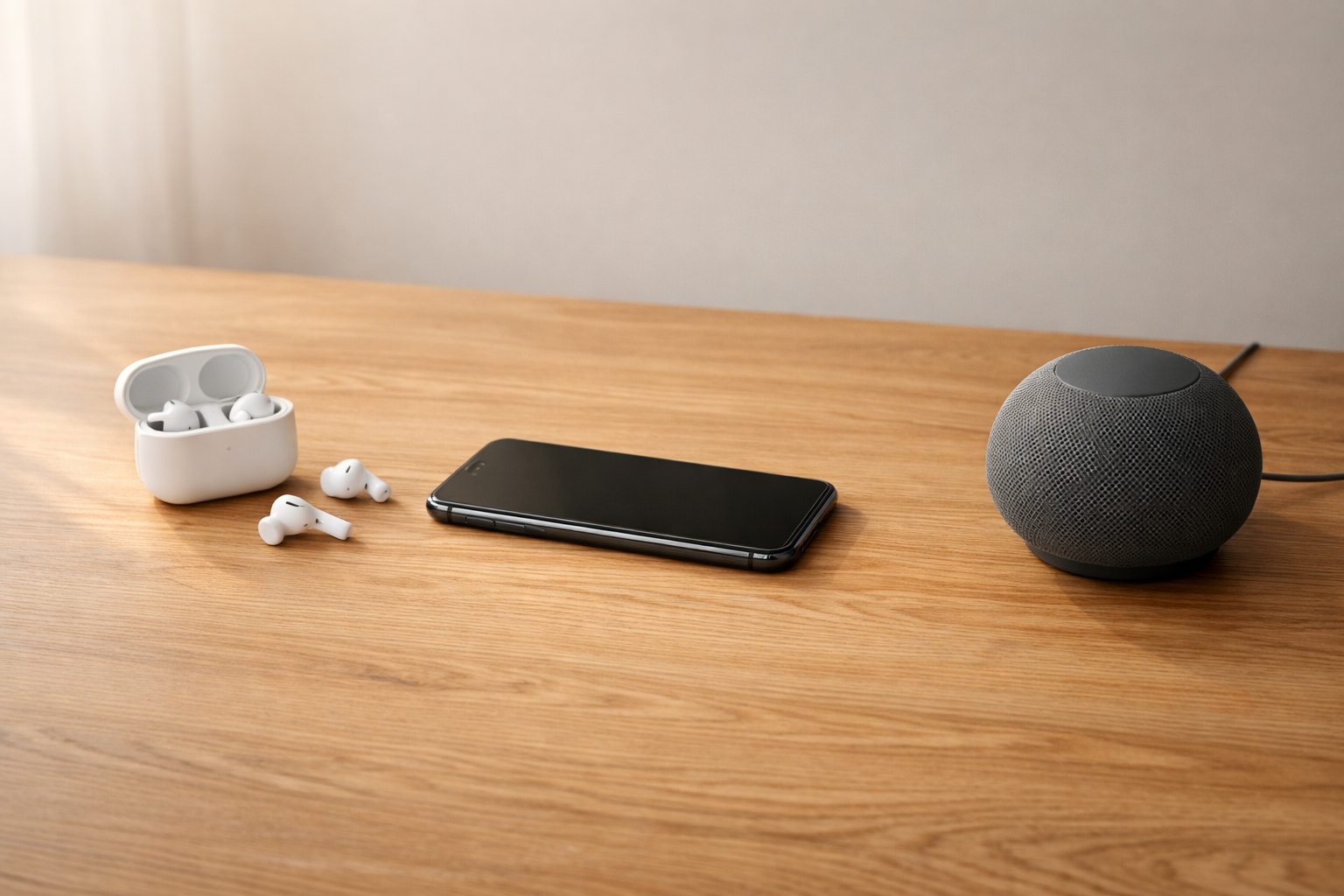
Get ready for the design trends shaping futuristic consumer gadgets in 2026—where style meets surprise, and one bold shift changes everything...
Design Trends Shaping Futuristic Consumer Gadgets in 2026
Have you ever picked up a new gadget and felt something was off, even if it looked sleek? Maybe it had the shiny shell and sharp lights, but still felt clunky the moment you tried to use it. That gap matters more in 2026 than ever.
The design trends shaping futuristic consumer gadgets in 2026 aren't just about how devices look. They're about how they sense, respond, and fit into your day with less friction. That's where futuristic design is actually heading, and that's what this article breaks down in clear, practical terms.
The core trends defining futuristic gadgets in 2026
The design trends shaping futuristic consumer gadgets in 2026 are AI-native interfaces, ambient and intent-based interaction, adaptive materials, spatial UI, and privacy-forward minimalism. That's the short answer. But what makes these trends feel new is that they change behavior, not just appearance.
In older sci-fi styling, "futuristic" often meant chrome edges, neon lights, floating graphics, and lots of visible tech. In 2026, futuristic design feels calmer. Devices are smoother, quieter, and more aware of context. They don't try so hard to look advanced. They try to act helpful.
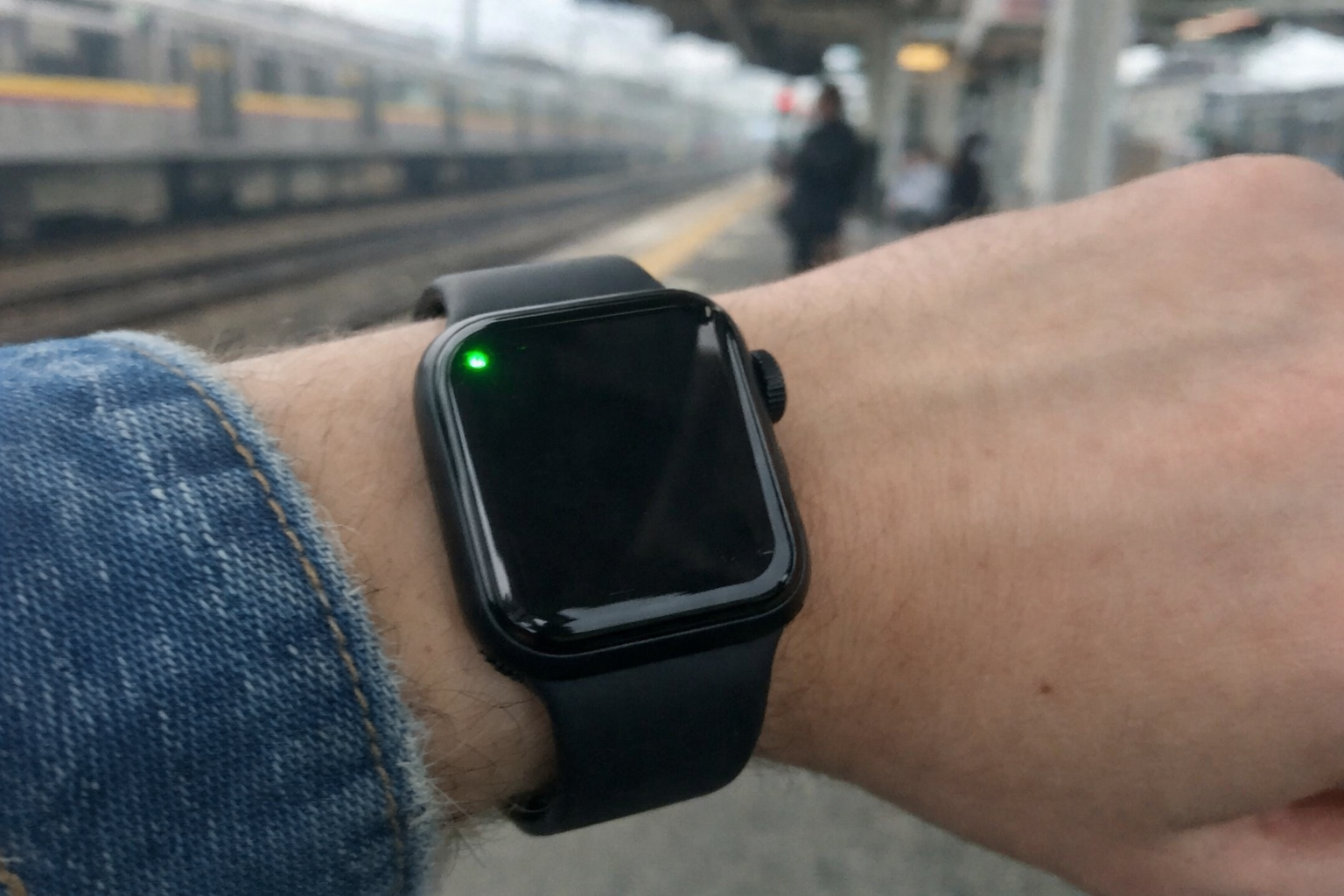
That shift shows up in simple ways. A pair of earbuds can switch noise control when you enter a train station. A home hub can lower the amount of visible information until you approach it. A wearable can suggest a useful action before you open an app. The design is still modern, of course, but the real signal is less effort on your side.
And privacy is part of the look now, too. Small indicator lights, on-device processing, and clearer permission prompts are becoming visual markers of trust. So when we say futuristic in 2026, we mean intelligent, minimal, adaptive, and calm.
Why futuristic design is shifting from visuals to behavior
For years, brands used visual tricks to signal the future. Glossy surfaces. Blue lighting. Sharp angles. Transparent panels that looked dramatic on a shelf. But a lot of those products still made you tap through menus, repeat settings, or guess what the interface wanted. That doesn't feel advanced anymore.
Now the standard is different. People expect devices to reduce effort, not add theater. A gadget feels futuristic when it understands routine, reacts to context, and stays out of the way until needed. That's a big change.
From “looks advanced” to “acts advanced”
The new cue is responsiveness. A device might have fewer buttons, a softer shape, and almost no visible controls. But when you wear it, touch it, or walk near it, it reacts at the right time. That's what creates the sense of the future now.
Think about the difference. An older "futuristic" speaker may have had glowing rings and touch panels everywhere. A 2026 version is more likely to have a clean surface, a tiny status light, and voice plus presence sensing that knows when to surface controls. Less drama. More precision.
What consumers will notice in daily use
You'll notice fewer setup steps first. Devices are getting better at reading your phone settings, learning preferences, and offering smarter defaults during the first 5 to 10 minutes of use.
Then there's handoff. Start a task on your watch, continue on your phone, and finish through earbuds or a home screen. That flow used to feel premium. By late 2026, it'll feel normal in better-designed ecosystems.
You'll also see interfaces appear only when needed. A light pulse, a short haptic tap, a projected control surface, or a compact card on a lock screen. Small signals. Clear timing. That's the new futuristic language.
AI-native interfaces and intent-based interaction
AI-native design means the interface is built around prediction and context from the start, not added later as a chatbot button. Intent-based interaction means the device tries to understand what you're trying to do, then reduces steps. For everyday gadgets, that's one of the biggest parts of the design trends shaping futuristic consumer gadgets in 2026.
In practice, this means mainstream consumer devices in 2026 are expected to combine at least two input modes. Usually voice and touch, or gesture and context sensing. Sometimes all four.
Gesture, voice, context, and prediction
These modes work best together. Voice handles quick commands while you're cooking or driving. Gestures help when you need silent control, like pausing audio with a finger tap in public. Context awareness uses signals like location, motion, time, and nearby devices. Predictive UI then brings up the most likely next action before you ask.
So instead of opening three apps to start a run, your watch notices movement, your earbuds switch to workout audio mode, and your phone surfaces a fitness card. That's AI-native design at work.
Examples across common devices
Earbuds are a clear example. In 2026, better models can detect whether you're walking outside, sitting at a desk, or speaking to someone. They may lower volume, switch transparency mode, or prioritize voice pickup without a manual change.
Smartwatches are becoming stronger context layers. They can show a transit pass as you approach a station, a door control when you arrive home, or a hydration reminder after a workout. Phones are also changing. More tasks start from search, voice, lock screen cards, or predictive suggestions instead of deep app navigation.
Home devices use presence, routine, and time patterns. A bedside device might dim its display after 10 p.m., switch to larger text in the morning, and surface weather only when motion is detected nearby. Quiet, but useful.
What makes it feel useful instead of gimmicky
Useful AI saves time in visible ways. It cuts taps, shortens setup, and makes controls easier to reach when your hands are busy or your attention is split.
But confidence matters more than novelty. If a device predicts well 8 or 9 times out of 10, people trust it. If it guesses badly, the futuristic feeling disappears fast. The best systems also explain themselves with simple prompts, clear undo options, and controls that don't vanish when you need them most.
Minimal hardware, softer forms, and adaptive materials
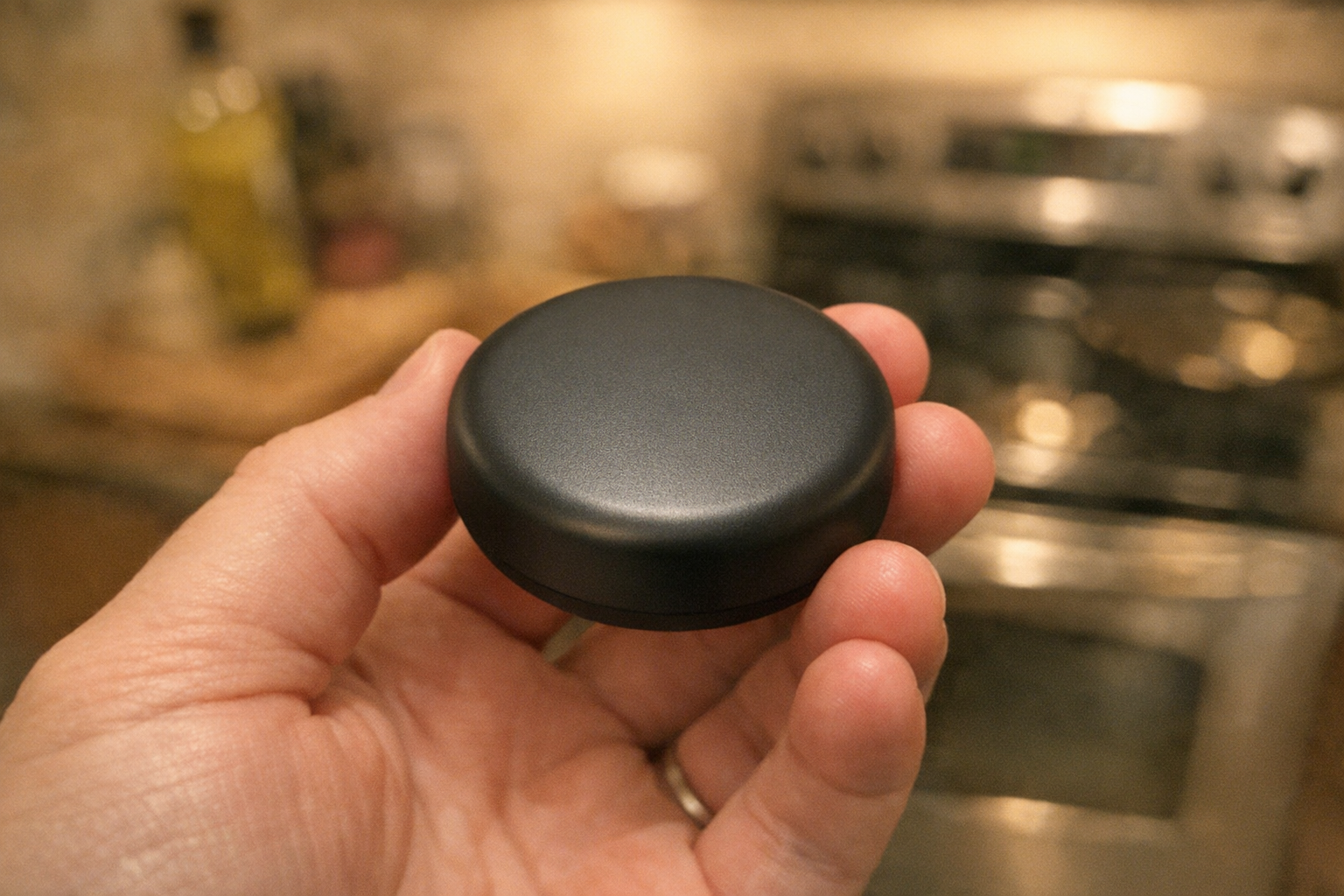
The visual side of the design trends shaping futuristic consumer gadgets in 2026 is getting quieter. Less exposed hardware. Fewer sharp edges. More tactile surfaces that feel warm, soft, or almost fabric-like in the hand. Devices are still premium, but not cold in the old sci-fi sense.
You can see this shift in how products communicate status. Instead of rows of LEDs, labels, and buttons, many devices now use light, haptics, surface texture, or subtle color change. The object recedes until interaction is needed.
Design language that recedes until needed
Buttons and ports aren't disappearing completely, but they're becoming less visually dominant. Magnetic charging, hidden seams, flush controls, and touch zones reduce clutter. Haptic feedback then replaces some of the need for visible switches.
That matters because people don't want gadgets to look busy on a desk, shelf, or wrist. The future, oddly enough, looks more restful.
Adaptive surfaces and calm aesthetics
Here's a simple comparison of the main visual shifts and what you actually notice:
| Visual trend | What it looks like | What you notice in real use |
|---|---|---|
| Soft geometry | Rounded corners, smooth curves, fewer harsh lines | Devices feel friendlier and easier to hold |
| Translucent surfaces | Semi-clear shells, layered materials, hidden internals | Tech feels lighter and more honest, not flashy |
| Light-driven UI | Small light bands, edge glows, directional indicators | Status is easier to read from across a room |
| Adaptive materials | Matte-to-gloss shifts, temperature-reactive finishes, texture cues | You can sense state without staring at a screen |
| Low-power display layers | E-ink-like panels, always-on strips, ambient readouts | Key info stays visible with less battery drain |
Well, actually, not every transparent surface is useful. Some are still just style. But when material changes help you read status, battery, privacy mode, or touch zones faster, that's when the design earns its place.
Spatial UI and ambient computing in everyday devices
Spatial UI means digital information appears in the space around you, not only inside a rectangular screen. Ambient computing means the system keeps helpful tasks running quietly in the background. Together, they're a major part of the design trends shaping futuristic consumer gadgets in 2026.
Through late 2026, ambient features are moving into the mainstream faster than fully spatial interfaces. That's because ambient behaviors can work with today's phones, watches, speakers, earbuds, and sensors. Full spatial systems still need better hardware comfort, battery life, and social acceptance.
From app screens to environment-level interaction
A spatial interface might place a timer, control, or direction cue where it's needed, such as on glasses, a compact projector, or a nearby surface. Ambient systems are less visible. They know your routine and prepare the right function before you ask.
So the big shift is this. Instead of going into an app, the experience comes to the moment. A reminder appears when you reach the door. Audio controls move to your earbud pinch gesture. Lighting adjusts when your room goes dark. The environment becomes part of the interface.
Implications by device type
Phones are becoming coordination layers. They still do the heavy work, but more often they pass tasks outward to wearables, audio devices, or home screens. Wearables act as context sensors, collecting movement, location, heart rate, and timing signals that help the system respond better.
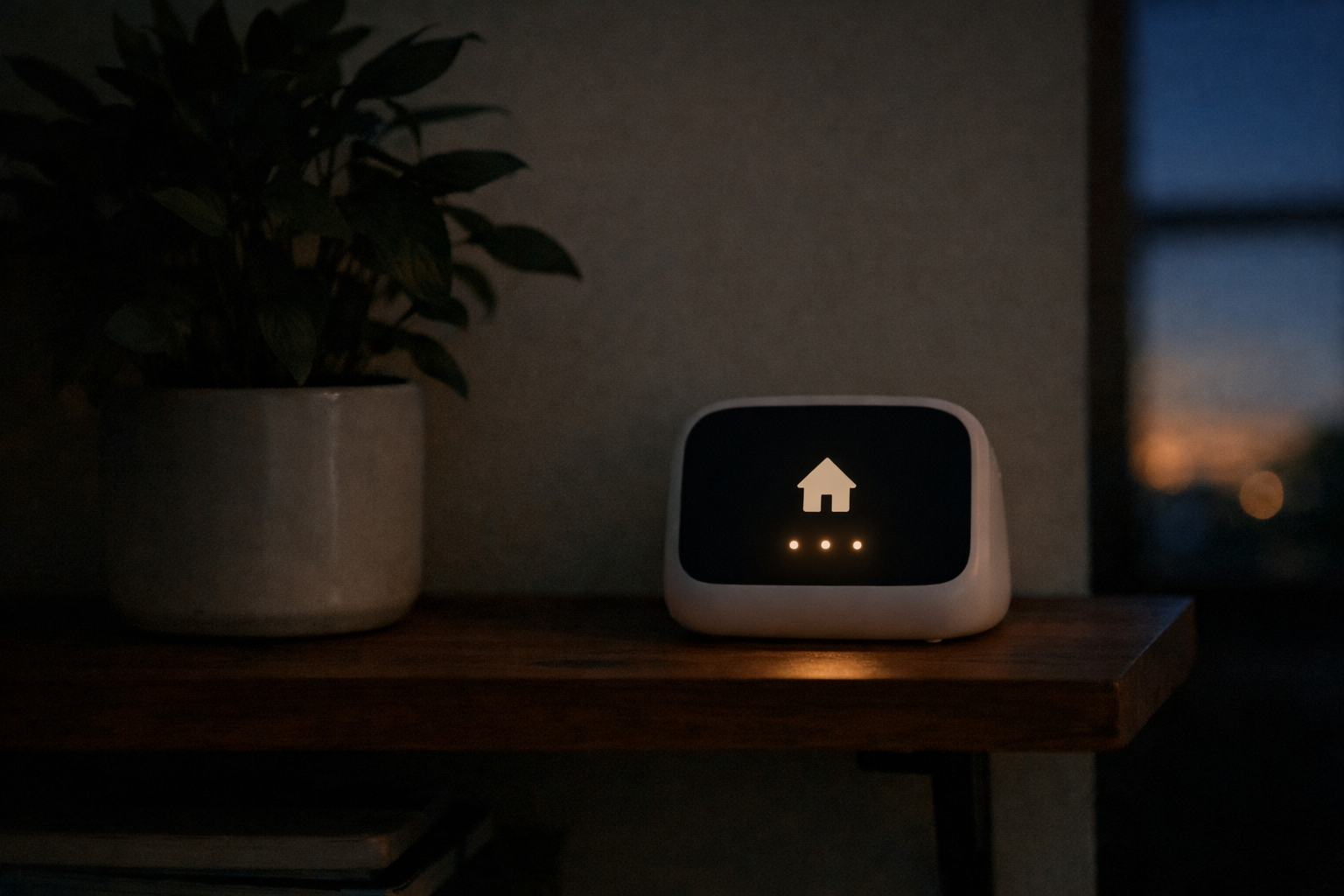
Home hubs are turning into ambient controllers. They don't need to shout for attention. They can show less by default, then expand when you walk up. Personal audio becomes a discreet interface point, especially for voice, silent gestures, and contextual alerts.
And smart accessories, like rings, clips, and styluses, are getting more interesting. They aren't trying to replace the phone. They're becoming small control nodes that fit naturally into what you're already doing.
How these trends improve real consumer experiences
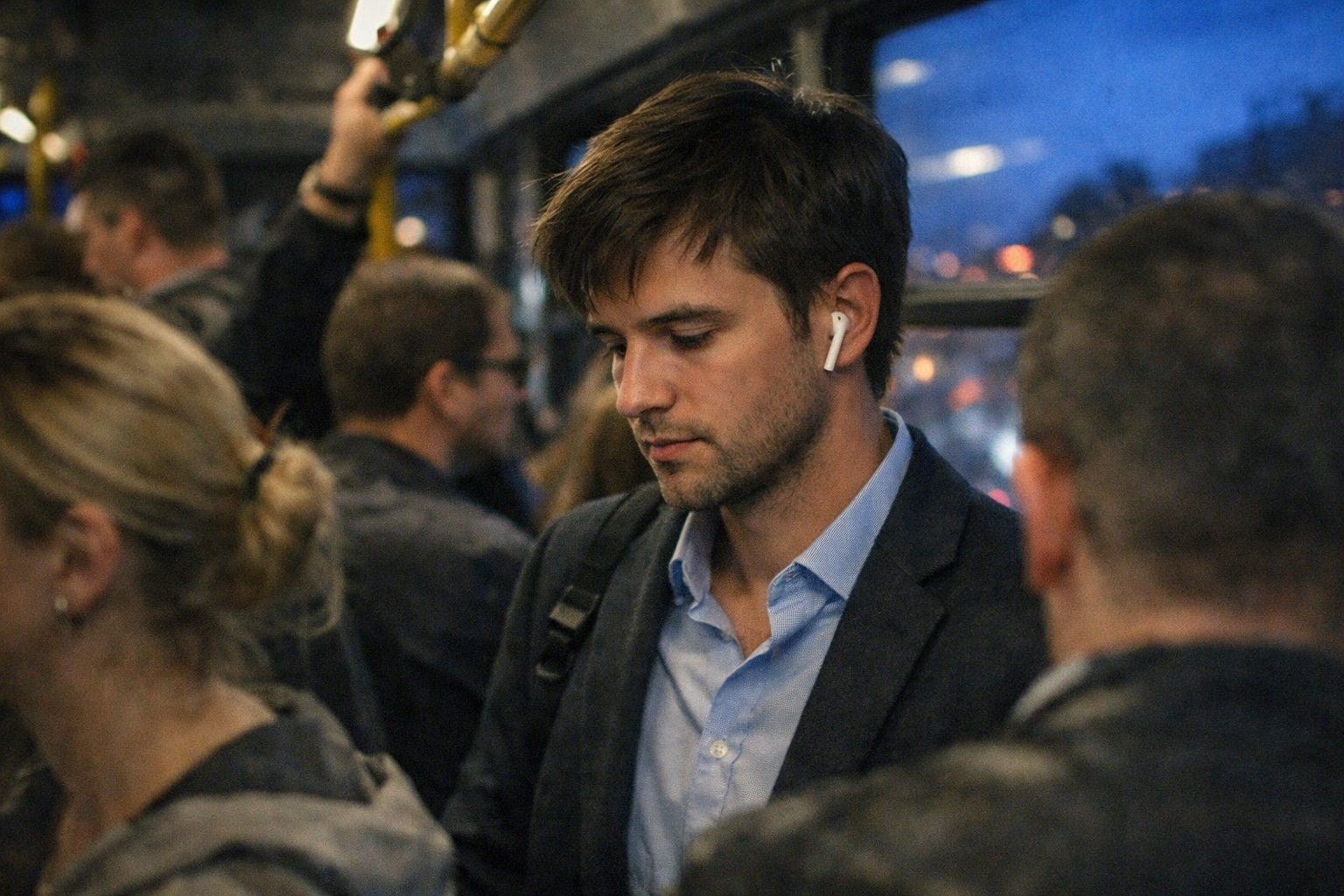
Good futuristic design should feel better on a normal Tuesday, not just in a launch video. That's the practical test. The design trends shaping futuristic consumer gadgets in 2026 matter because they remove friction in moments you repeat every day.
Here are the biggest real-world improvements consumers are likely to notice:
| Use case | What changes in 2026 | Real benefit |
|---|---|---|
| Onboarding | AI-guided setup reads preferences, suggests defaults, and links nearby devices | You spend less time in menus on day one |
| Daily control | Voice, gestures, haptics, and quick context cards replace extra taps | Tasks happen faster when you're busy |
| Accessibility | Larger adaptive text, better voice response, touch-free controls, clearer alerts | More people can use devices comfortably |
| Personalization | Devices learn routines, sound preferences, and control habits | Gadgets feel tailored without constant tweaking |
| Cross-device continuity | Phone, watch, earbuds, and home devices share state and hand off tasks | Your experience stays consistent from room to room |
Onboarding and first-day setup
Setup is getting shorter. Instead of answering 20 separate questions, devices can import language, accessibility settings, connected accounts, and notification preferences from a trusted phone. Then they ask only the choices that actually matter.
For someone buying new earbuds or a smart display, that can cut first-day setup from 15 minutes to under 5. Not dramatic on paper. But in real life, it feels huge.
Daily control and accessibility
This is where futuristic design becomes human. If your hands are wet, your watch can surface a simple voice prompt. If you're in low light, a soft haptic pulse can guide you instead of a bright screen blast. If you have limited mobility, gesture-free and touch-free controls become more than convenient. They become essential.
And better systems don't hide accessibility features deep in settings. They make them part of the main experience.
Personalization and cross-device continuity
The best gadgets in 2026 remember context, not just preferences. They know you're commuting, winding down, working out, or arriving home. That means fewer resets and fewer little annoyances.
A phone can pause a podcast. Earbuds can hold the place. A home speaker can resume it when you walk in. That kind of continuity used to feel fancy. Now it's becoming a basic sign of thoughtful design.
What to watch in 2026 by gadget category
Some trends are spreading across almost every category, while others are still early. If you're shopping, comparing concepts, or just trying to spot what matters, it helps to know where these shifts are landing first.
Wearables and personal audio
Wearables are leaning hard into context. Expect more silent alerts, better sensing, lighter materials, and less visual clutter. Smartwatches are becoming quicker to read and easier to ignore until needed. That's a compliment.
Personal audio is moving even faster. Earbuds and headphones are gaining adaptive sound, auto mode switching, and improved voice pickup in noisy spaces. By late 2026, these features are likely to feel standard in mid-range and premium models, not just flagship products.
Handheld devices and home hubs
Phones are shifting into orchestration roles. Their interfaces are getting cleaner, with more predictive cards, smarter search, and fewer reasons to hop across apps. You'll still use screens, obviously, but more actions will start from context instead of manual browsing.
Home hubs are also changing. Expect displays that stay minimal at a distance, then reveal richer controls up close. Privacy indicators, mic states, and camera status will likely become more visible and easier to understand. That's a subtle but powerful design trend.
Smart accessories and mainstream signals
Smart rings, clips, trackers, pens, and other accessories are becoming more purposeful. They work best when they offer one or two clear benefits, like silent control, health sensing, or quick authentication. The strongest designs don't feel like tiny smartphones. They feel almost invisible in use.
By late 2026, these features are most likely to be mainstream:
- Intent-based automation for common routines
- Clear privacy signals, such as mic and camera indicators
- Adaptive materials and calmer visual design
- Cross-device continuity between phone, wearable, and audio
More experimental through late 2026 will be spatial UI on lightweight glasses, projected interfaces for everyday control, and fully screen-free device ecosystems. Those are coming, but unevenly.
Final Words
Fewer buttons. Smarter defaults. Interfaces that appear at the right moment and disappear when they should. That's the real shape of the design trends shaping futuristic consumer gadgets in 2026.
The future isn't only transparent shells or glowing edges anymore. It's behavior, trust, and calm design that helps without demanding attention.
So if a gadget in 2026 feels advanced, look past the surface. The best ones won't just look futuristic. They'll make everyday moments smoother, quieter, and a little more effortless.
FAQ
What makes a consumer gadget design feel futuristic in 2026?
It feels futuristic when it responds intelligently, uses minimal hardware, and communicates through calm materials, light, and context-aware controls. In 2026, devices feel advanced because they act helpful, not just because they look flashy.
Which design trend will have the biggest impact on everyday devices in 2026?
AI-native and intent-based interaction will likely have the biggest impact. It changes how phones, wearables, audio devices, and home gadgets work day to day by cutting steps and surfacing the right action faster.
How can consumers tell whether a futuristic design is actually useful?
Look for clear signs like fewer setup steps, smarter defaults, better cross-device handoff, understandable controls, and visible privacy protections. If the design saves time and stays easy to trust, it's probably useful.