How Multimodal AI Is Changing Consumer Apps

Multimodal AI is turning ordinary apps into clever companions—understanding images, voice, and text together, and the wildest change comes next...
How Multimodal AI Is Changing App Experiences
Ever snapped a screenshot because typing the problem felt too slow? Or wished you could just point your camera at something and ask, “What is this?” That’s the shift happening right now.
How multimodal AI is changing consumer app experiences comes down to one thing. Apps are starting to understand more than typed words. They can take in voice, images, video, and screen context together, then respond in a way that feels faster and more natural. This article breaks down what that really means in everyday apps, without the dense AI jargon.
Apps now understand what you say, show, and mean
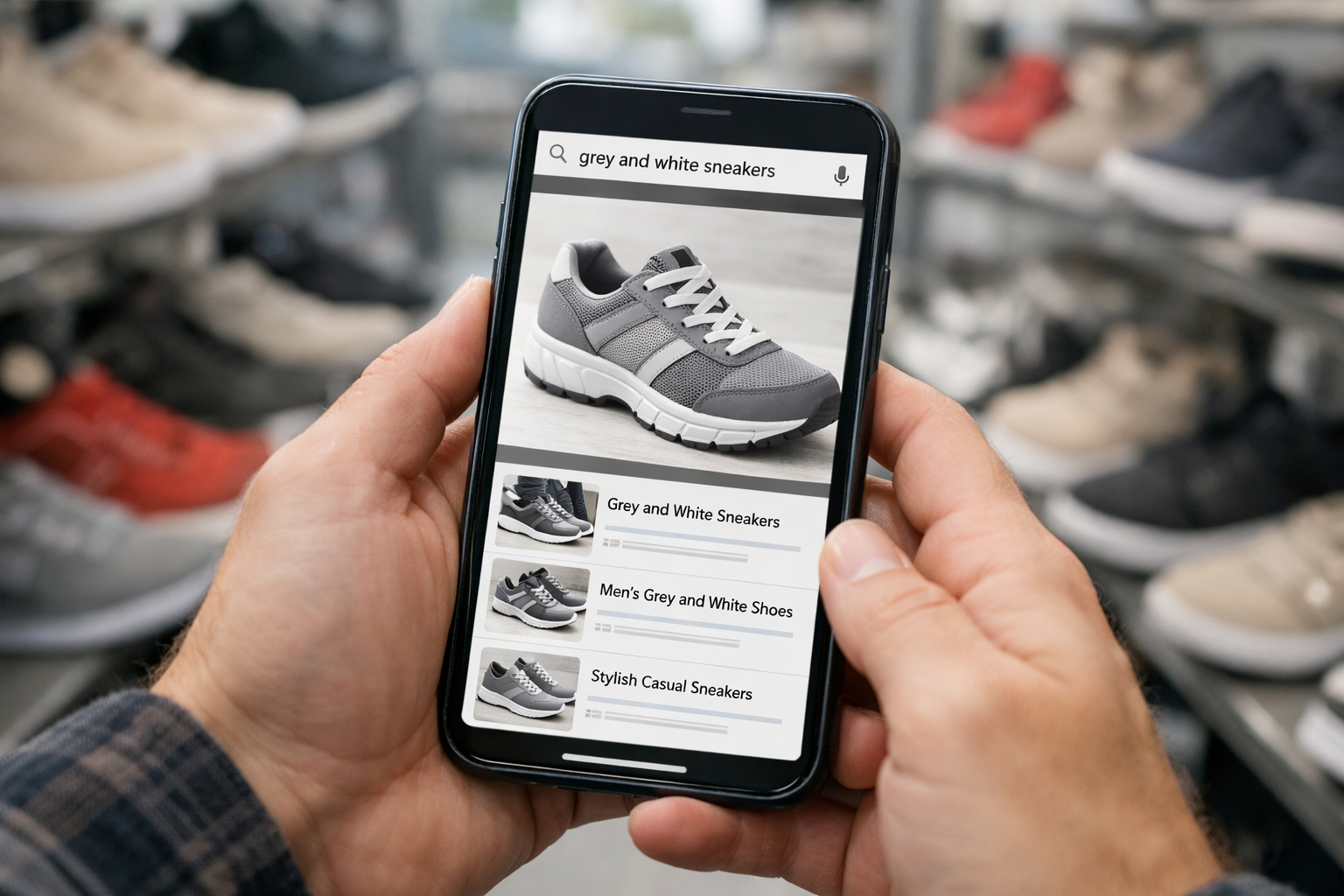
The short answer is simple. How multimodal AI is changing consumer app experiences is by letting apps combine text, voice, images, video, and context in one flow. Instead of forcing you to type every detail, the app can use what you say, what you show, and what it already sees on screen.
Before this shift, most app interactions were single-lane. You typed a search, got results, refined filters, then maybe asked support another question. Lots of tapping. Lots of back and forth.
Now the flow is closer to this. You say, “Find shoes like these but under $100,” while showing a photo. Or you upload a screenshot of an error and ask what to do next. The app connects both signals at once.
That changes the feel of the product. It cuts steps. It lowers friction. And it makes digital experiences feel less like filling out forms and more like asking a smart assistant that can actually see and hear the situation.
For consumers, that means faster tasks and fewer dead ends. For app design, it means the interface is no longer just buttons and search bars. It’s becoming a live layer of understanding.
What multimodal AI means in simple terms
Multimodal AI sounds technical, but the idea is pretty human. It means an AI system can understand more than one kind of input at the same time. That might include text, spoken words, screenshots, camera images, or short video clips.
A single-input AI system works in one lane only. A text chatbot reads what you type. An image tool looks at a picture. But it usually doesn't combine both in a meaningful way.
Multimodal AI does. That’s the difference.
Picture this. You’re in a store and see a lamp you like. You open an app, point your camera at it, and say, “Find something like this in black and under $80.” The app uses the image to understand the shape and style, then uses your voice to apply budget and color limits. One request. Two inputs. Better result.
That’s why this matters. You don’t have to translate your real-world problem into perfect search terms. The app meets you halfway.
Well, actually, more than halfway. It can often infer what matters most from the mix of signals you give it. And that makes the whole experience feel less robotic and more responsive.
Why consumer apps are moving beyond chat-only interfaces

Text chat was a big step forward, but it has limits. Some tasks are just easier to show than explain. If a blender part is broken, a photo helps more than a paragraph. If you want a jacket in the same style as one in a video, a screenshot says more than words.
That’s a big reason consumer apps are shifting now. Users expect instant, context-aware help. They want apps to respond to what they show, not just what they type.
The timing also makes sense. Phone cameras are better than ever. On-device chips got faster between 2023 and 2025. And the AI models behind these features became much better at handling mixed inputs in one session. So the product patterns are finally catching up to the idea.
Three use cases stand out right away.
- Visual search for products, places, and objects
- Voice-assisted tasks when your hands are busy
- Image-based support for troubleshooting and claims
These aren’t futuristic demos anymore. They’re already appearing in search, retail, travel, and service apps. And once you use them, the old text-only flow starts to feel strangely slow.
Visual search and camera-to-search
Visual search is one of the clearest examples. Instead of typing “mid-century wooden chair with curved back,” you snap a photo and let the app identify the shape, material, and style.
That’s useful in all kinds of moments. You can find a similar lamp from a screenshot. Translate a street sign while walking. Or point your camera at a confusing settings page and ask what a toggle does.
Major search and commerce apps already use camera-to-search patterns. You’ll see a camera icon in the search bar, or a prompt to upload a screenshot. That small design change matters. It tells you the app is ready to work with what you see, not just what you can describe.
And for a lot of people, that’s simply easier. The camera becomes part of the interface.
Voice-assisted tasks and screen-aware help
Voice gets much more useful when the app can also understand what’s on screen. If you say, “Summarize this thread,” the system can look at the open messages and respond without making you copy and paste anything.
That cuts friction in a very practical way. You can ask an app to draft a reply, explain a chart, or guide you through a checkout page while keeping your place. No jumping across tabs. No retyping context.
This is starting to shape a new pattern in app design. Voice is no longer just for generic commands like “play music” or “set a timer.” It becomes a layer that works with visible context.
So instead of command-only interaction, you get something closer to shared attention. You and the app are looking at the same thing. That’s why it feels more natural.
Image-based support and troubleshooting
Support is another area where multimodal AI makes immediate sense. Trying to explain a cracked device screen, a damaged package, or a login error in text can take forever.
A photo or screenshot shortens that path. The app can inspect the image, suggest likely issues, and point you to the right next step. In some cases, it can pre-fill claim details, match a receipt, or route you to the right help article in seconds.
Think about setup flows too. If your router lights are blinking in a strange pattern, showing the device may be enough for the app to recognize the problem. That’s much faster than searching through a long support page.
The fewer steps needed to explain the issue, the faster support can help. That’s not flashy. But it’s one of the most useful ways multimodal AI improves consumer apps.
The UX changes users will notice across search, shopping, support, media, and productivity
This is where how multimodal AI is changing consumer app experiences becomes easy to feel. The biggest shift is not just smarter answers. It’s fewer steps between intent and action.
Old app flows often looked like this. Search, refine, open a new page, upload something, then ask again. Multimodal flows compress that into one motion. Show, ask, complete.
Here’s what changes by app category:
| App area | Old flow | New multimodal flow |
|---|---|---|
| Search | Type query, refine, reword | Speak, upload, ask follow-up in one thread |
| Shopping | Scroll, filter, compare manually | Show a photo, set style or budget, get matches |
| Support | Describe issue in text | Share screenshot or photo, get guided help |
| Media | Scrub through clips manually | Ask for a summary or key moment |
| Productivity | Move info between apps | Combine notes, voice, files, and prompts |
The result is simple. Less app work for you.
And that matters because most people don’t want to “use AI.” They want to finish a task. Book the trip. Find the jacket. Fix the problem. If multimodal design removes 3 to 5 steps from those jobs, people will notice fast.
Search becomes conversational and visual
Search is shifting from keyword entry to mixed-input conversation. You might speak a question, attach a screenshot, and then ask for a comparison without starting over.
That continuity matters. The app remembers the image, your follow-up, and your intent. So instead of three separate searches, you get one threaded interaction.
It also changes the interface. Fewer form fields. Fewer page hops. More prompts that invite you to add a photo, circle an object, or ask a follow-up by voice.
For users, the gain is speed. For apps, the gain is better signal. A screenshot can reveal exactly what you mean, especially when words are vague.
Shopping becomes guided and contextual
Shopping apps are turning into style interpreters. You show them a bag, sneaker, chair, or jacket, and they find similar options based on the look, not just the label.
Then context layers in. “Make it cheaper.” “Find this in vegan leather.” “Show me something like this for a small apartment.” Those follow-ups feel lighter because the app already knows what “this” refers to.
That reduces endless scrolling. It also cuts the need for deep filter menus that many people never use well anyway.
And personalization gets better here. If the app can combine what you viewed, what you photographed, and what budget you stated, the recommendations feel more aligned. Not perfect. But noticeably tighter.
Support, media, and productivity feel more fluid
Support apps benefit because they can read what you send, not just what you write. A screenshot of a billing page or account error may be enough to trigger the right help path.
Media apps are changing too. You can ask for the key moment in a long clip, identify a product seen in a video, or get a recap of what happened in the first two minutes. That saves real time.
Productivity is maybe the most quietly powerful category. Notes, voice memos, PDFs, screenshots, and calendar context can be pulled into one response. The app can turn that messy pile into a draft email, checklist, or action plan.
That’s where multimodal systems feel less like search boxes and more like working memory you can interact with.
Where multimodal experiences can still fail
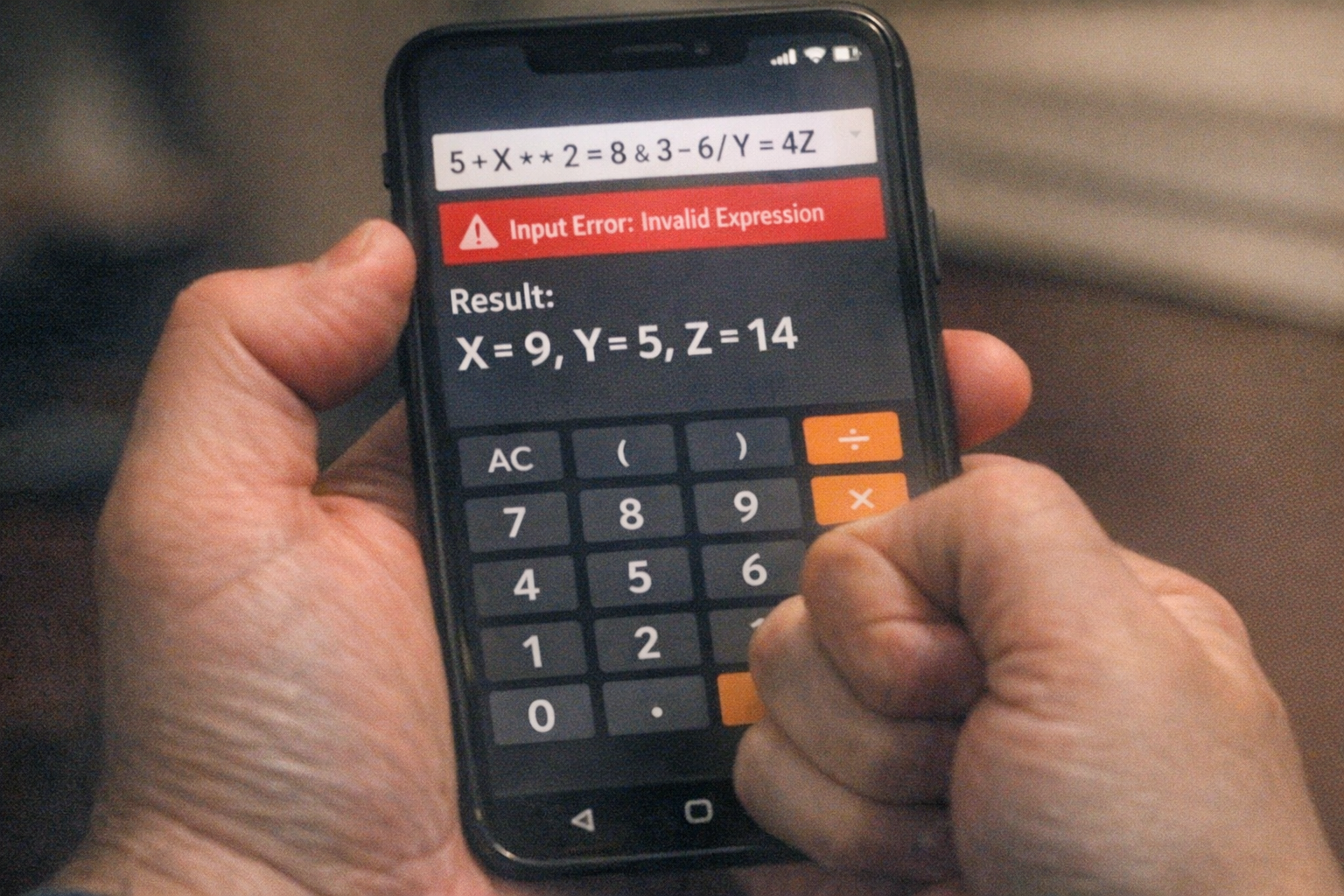
For all the progress, these systems still get things wrong. And when an app can see, hear, and act, mistakes can feel more personal.
Visual errors are common. An AI might confuse two similar products, miss tiny text in a screenshot, or misread lighting in a photo. A blurry image can send the whole response off track. The same goes for voice. Background noise, accents, or half-finished phrases can shift meaning.
Context can also fail in subtle ways. If the app over-trusts one input, like a screenshot, it may ignore the part you said out loud that really mattered. That’s frustrating because the answer looks polished even when the logic is weak.
Privacy is the bigger tension. Photos, screen content, receipts, and voice clips can include sensitive details. So before you grant camera, mic, or screen access, it’s worth checking what the app stores, how long it keeps data, and whether content is used to train models.
A few practical guardrails help:
- Review permissions before sharing camera, mic, or screen access
- Avoid uploading sensitive images unless the task truly requires it
- Double-check important actions, especially purchases, bookings, or account changes
The futuristic feel is real. But trust still comes from accuracy, clear consent, and the option to verify before the app acts.
What consumers may see next in the next 12-24 months
Over the next 12 to 24 months, how multimodal AI is changing consumer app experiences will likely show up as small but powerful interface shifts, not dramatic robot moments. Think camera icons in more search bars. Voice prompts that understand the page you’re on. Support chats that ask for a screenshot first because it saves time.
Shopping will probably become more camera-first. You’ll snap a room corner and get product suggestions that fit the style, size, and color palette. Travel apps may let you upload an itinerary screenshot and turn it into a clean plan with maps, weather, and booking links.
Messaging and productivity apps will likely grow more screen-aware too. You may ask for a summary of a long thread, a reply in your usual tone, or a task list pulled from mixed notes, photos, and voice clips. Mainstream apps are already moving in this direction as integrations mature through 2025 and 2026.
The biggest change may be this. You won’t always “open an AI tool” as a separate destination. The AI layer will sit inside the apps you already use, ready to respond to what you type, say, show, or share.
That’s a quieter future. But probably the more useful one.
Final Words

Show, ask, complete. That’s the new rhythm. How multimodal AI is changing consumer app experiences isn’t about making apps feel flashy. It’s about making them feel easier to use when real life is messy.
You’ll see it in visual search, voice plus screen help, smarter support, and apps that understand mixed context instead of one prompt at a time. Some parts will still misfire, and privacy will matter even more.
But the direction is clear. Everyday apps are becoming more aware, more responsive, and a little closer to the way people naturally communicate.
FAQ
What is multimodal AI in consumer apps?
It’s AI that can understand and combine text, voice, images, video, and context in one interaction. That helps apps respond in a way that feels more natural and useful.
How is multimodal AI different from regular AI chatbots?
Regular chatbots mostly rely on text. Multimodal AI can use several input types together, like a photo plus a spoken question, to give a more context-aware response.
Is multimodal AI already being used in everyday apps?
Yes. You can already see it in search, shopping, support, media, and productivity features, though the quality and availability still vary by app and region.